 Practice Studio
TestFlight beta · version 0.1
Practice Studio
Screens made at a child's eye level, so you can hand it over without worry.
- No ads
- No sign-up
- No chat
- Recordings stay on the device
What your child will see
What it does
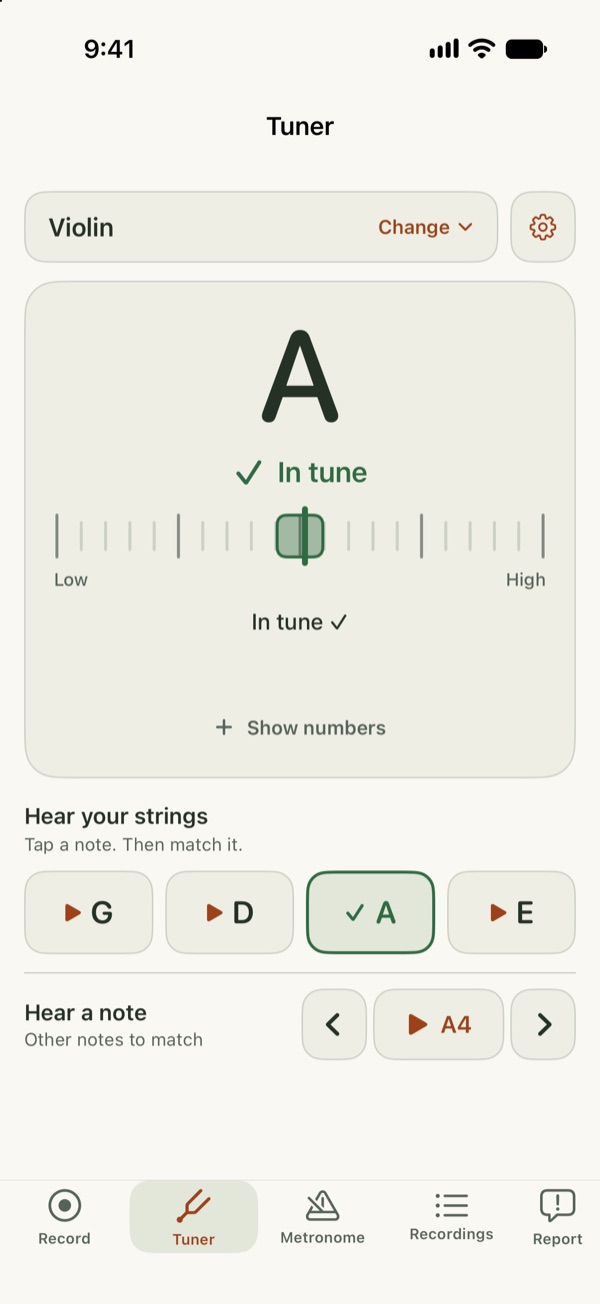
- Tuner: pick the instrument and see if each note is in tune. Transposing instruments can show written or concert pitch; A4 from 430 to 450 Hz.
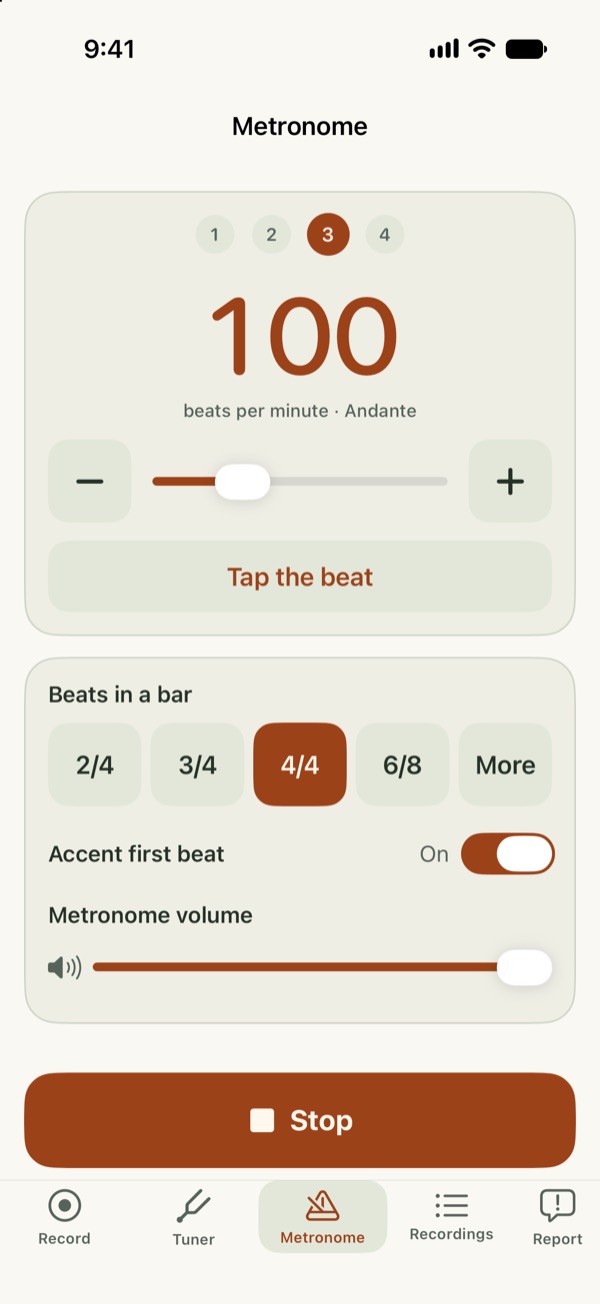
- Metronome: tempo, beats per bar and tap tempo. It keeps clicking while you record.
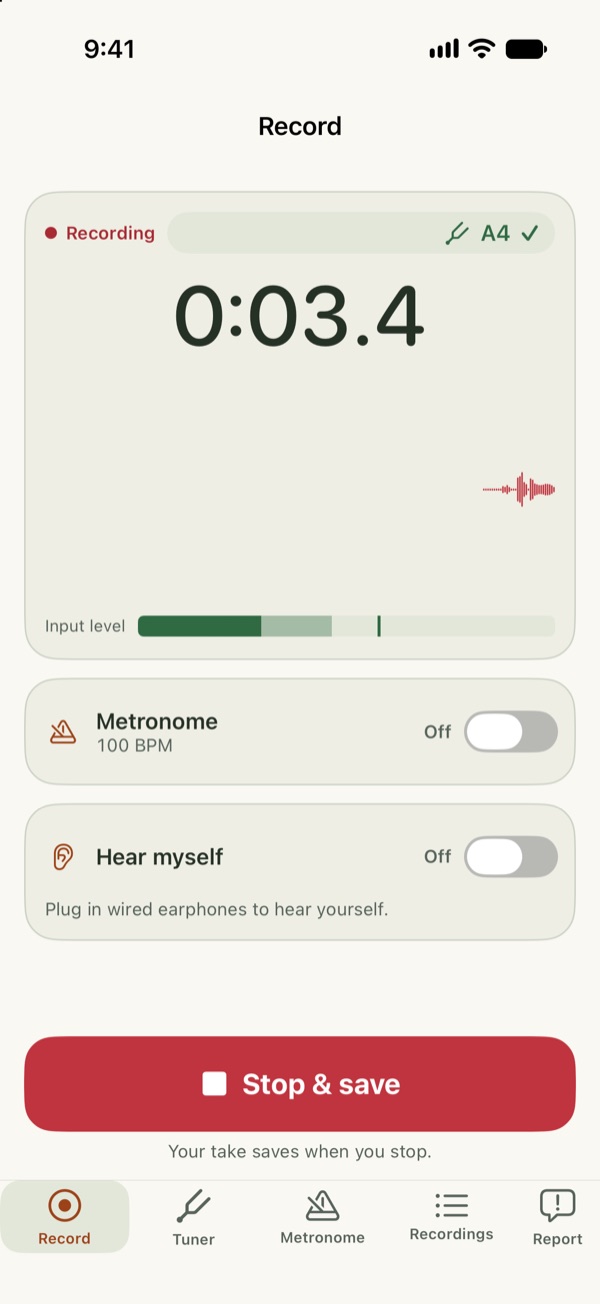
- Recorder: keeps recording when the screen locks.
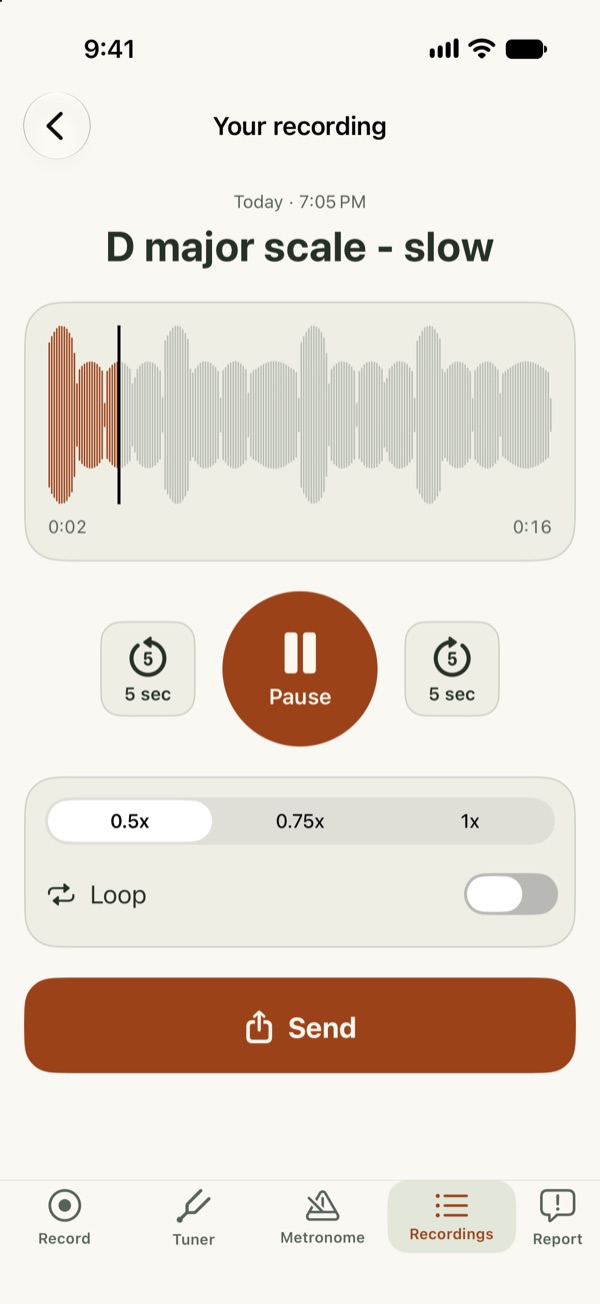
- Practice player: 0.5×, 0.75× or full speed, starred takes, and Recently Deleted for 30 days.
- For strings, woodwinds, brass, guitar, ukulele and voice. iPhone and iPad with iOS 18 or later.
The app doesn't send audio anywhere. Privacy policy
Try the beta
- On your iPhone or iPad, install TestFlight from the App Store.
- Open the link below on that device, tap Accept, then Install.
Early beta, so you may find bugs. Support